Lucky Dot: A Whimsical Font for Vibrant Designs
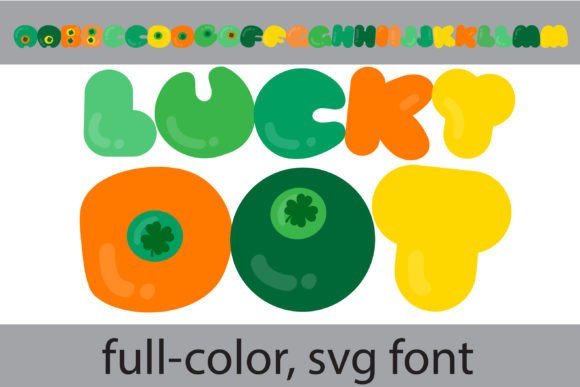
Imagine injecting instant personality and playful charm into your designs with a single font choice. That’s the promise of Lucky Dot, a whimsical, rounded typeface that transforms ordinary text into a vibrant visual statement. This full-color SVG font features a delightful lime green palette accented with shamrock dots, offering a fresh and engaging approach to modern typography that stands out in a crowded creative landscape.
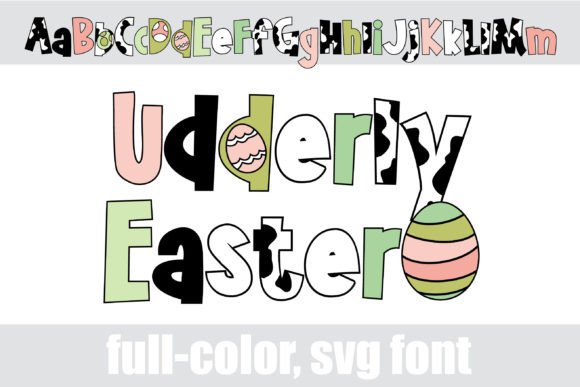
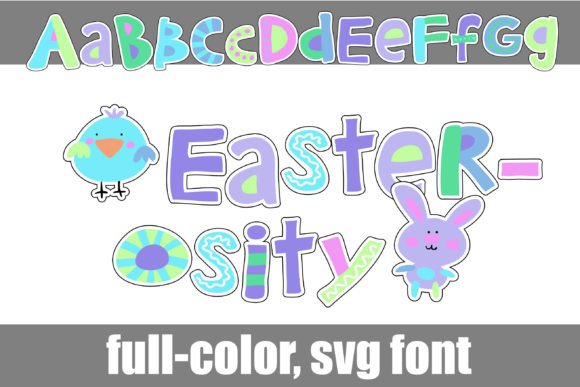
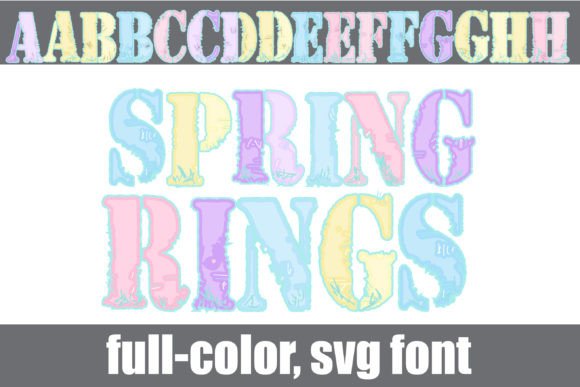
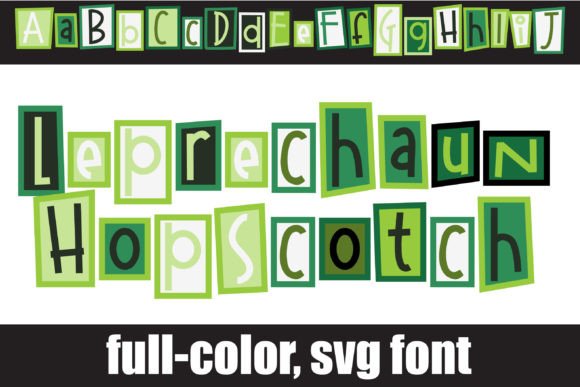
Unlike traditional single-color fonts, Lucky Dot is an OpenType full-color (SVG) font. This means each letter is a small, scalable vector graphic, retaining its intricate color details and crisp quality at any size. For graphic designers and creators, this technology unlocks a new realm of possibilities, merging the scalability of vector graphics with the rich, multi-hued appeal of illustration directly within your text layer.
Practical Applications for Creative Projects
The versatility of a font like Lucky Dot makes it a valuable asset across numerous design disciplines. Its inherent cheerfulness and clarity make it particularly effective for projects aimed at engaging audiences and conveying a sense of fun, creativity, or approachability.
- Branding and Logo Design: Create memorable logos and brand marks for businesses in sectors like children's products, creative studios, event planning, or eco-friendly brands. The unique color font instantly becomes a core brand identifier.
- Marketing and Social Media: Design eye-catching social media graphics, email headers, and promotional materials. The colorful text naturally draws the eye, improving engagement and click-through rates for digital marketing campaigns.
- Editorial and Web Design: Use it for impactful headlines in magazines, blogs, or website hero sections. It adds a punch of visual interest that guides the user's eye and enhances the overall UI design aesthetic.
- Packaging and Merchandise: Apply it to product packaging, stickers, or merchandise to create a cohesive and playful brand experience that delights customers.
Integrating Color Fonts into Your Design Workflow
Adopting a full-color font like Lucky Dot is straightforward, but requires a few considerations to ensure compatibility and effectiveness. The font installs like any standard .OTF file, via FontBook on Mac or your preferred manager on Windows. However, its color rendering is software-dependent.
Programs such as Adobe Illustrator, Photoshop, Silhouette Studio, Quark, and Inkscape fully support SVG color fonts. In unsupported applications, the text will default to black. A key tip is to always test the font in your final output environment. When previewing, it may appear black in the font menu, but will display in full color once applied to your document in a compatible program.
Tips for Effective Use
To maximize the impact of Lucky Dot, consider these design principles:
- Maintain Visual Hierarchy: Use this distinctive font for headlines, subheads, or call-to-action text. Pair it with a clean, neutral sans-serif or serif font for body copy to ensure readability and create a balanced typographic hierarchy.
- Align with Brand Goals: Assess if its whimsical, rounded character aligns with your brand's voice. It excels in contexts that value friendliness, creativity, and approachability over formal austerity.
- Explore Glyph Variations: Many color fonts include alternate glyphs or additional color palettes accessible through your system's character map or design software's glyph panel, offering even more creative flexibility.
Thoughtful typography is the backbone of effective visual communication. By selecting creative assets like Lucky Dot